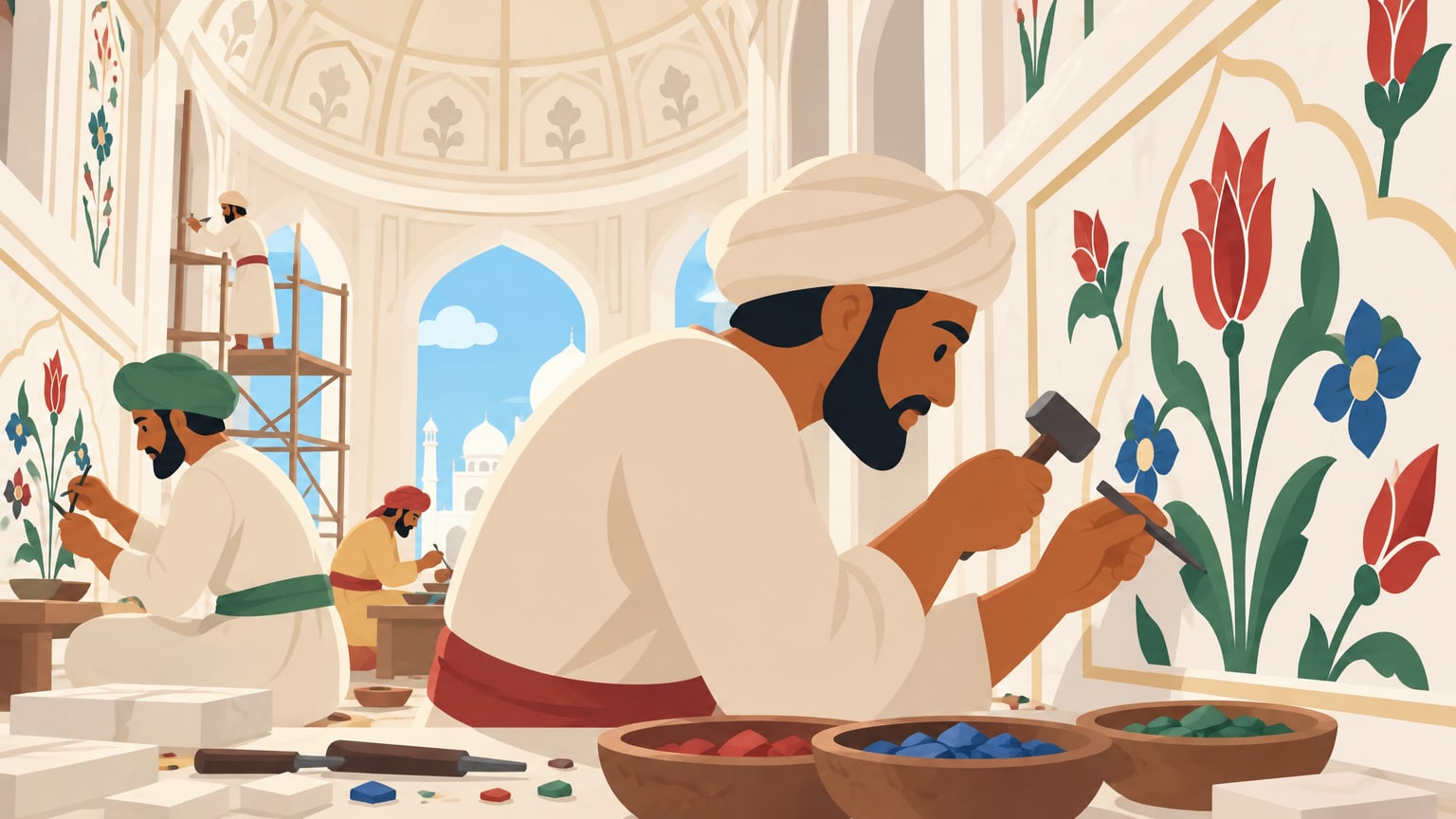

Record it yourself
- Scenes cut at the natural pauses in your recording
- Captions land on your words, not an estimate
- Upload audio, or a video whose sound is used
For storytelling channels
Upload your own narration, or pick a narrator to read your script. TaleSpool finds the scenes, turns every line into original artwork in one consistent style, and times the captions to every word. Then you direct the edit and export an MP4.
Made for channels about
Narration
Use the voice your audience already knows, or let a narrator read your script. Mix them if you like: any scene can take its own recording.
Characters
Add a character with a picture of them. Name them in a prompt and their name lights up: that picture guides every shot they’re in, so the same face carries the whole story.
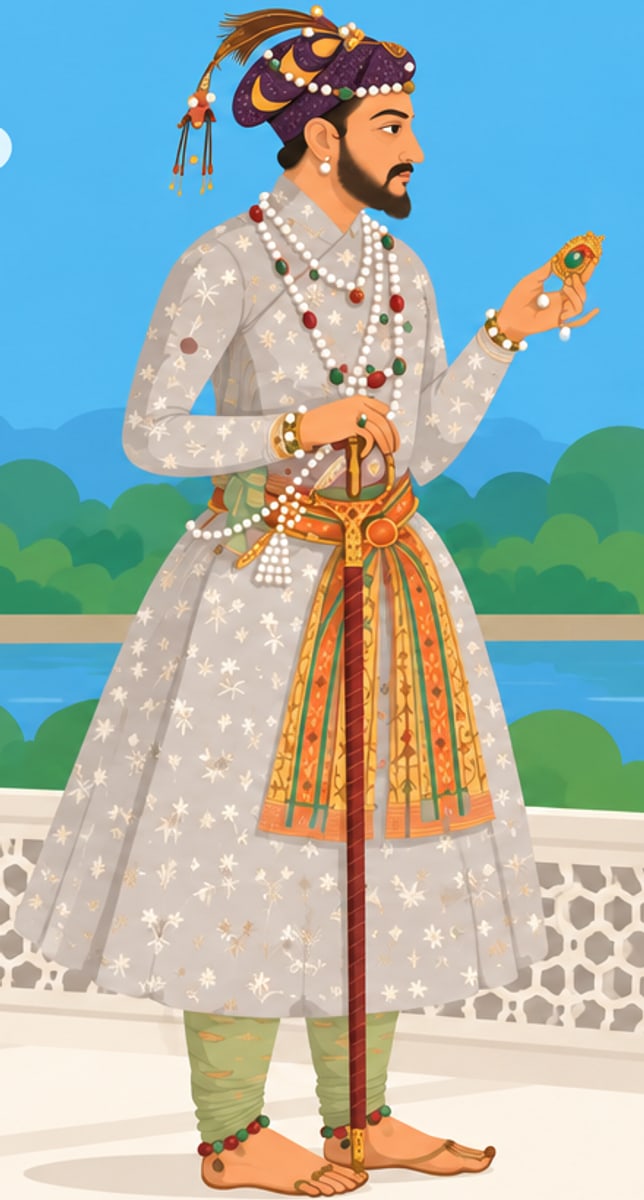
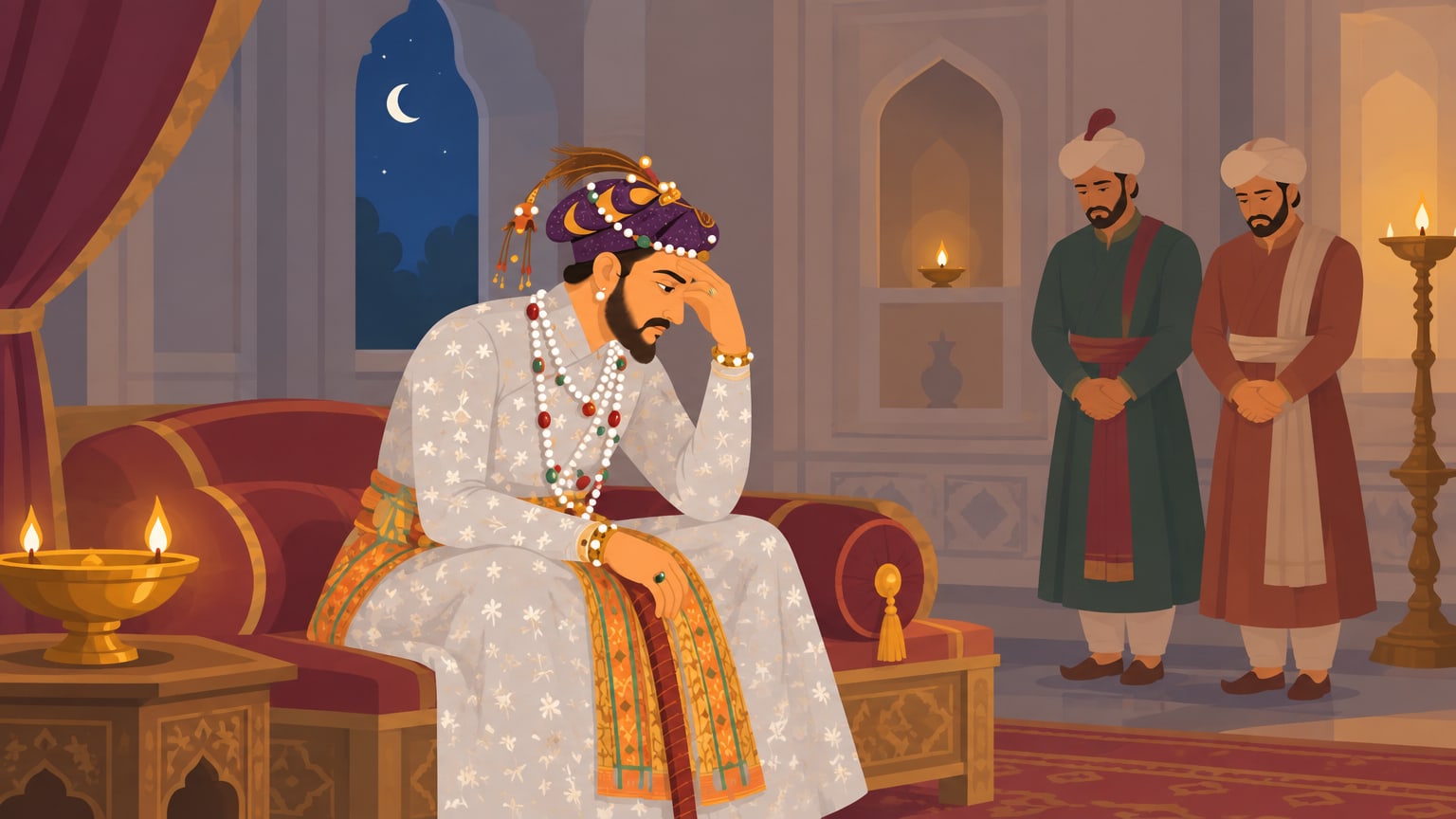
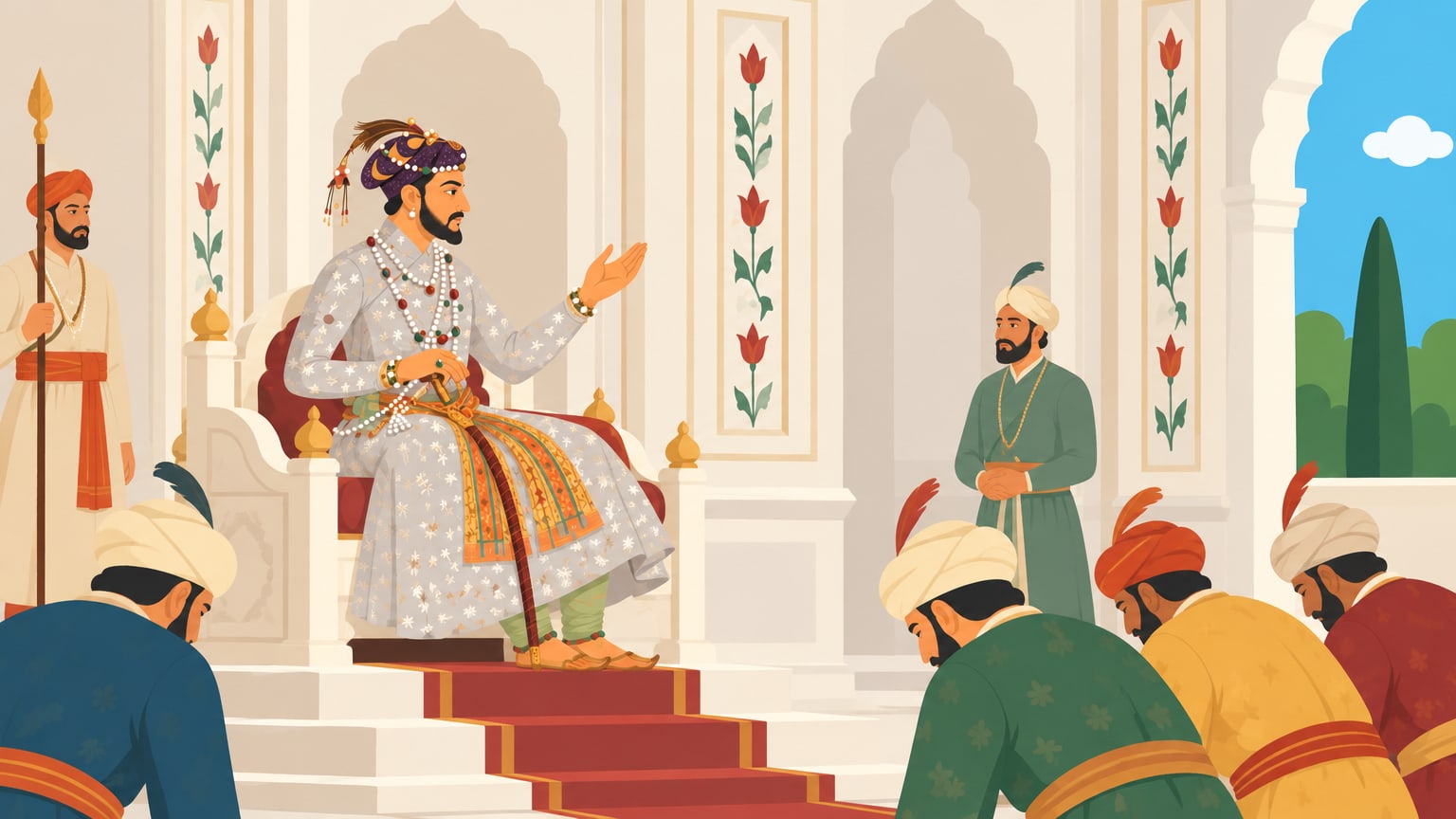
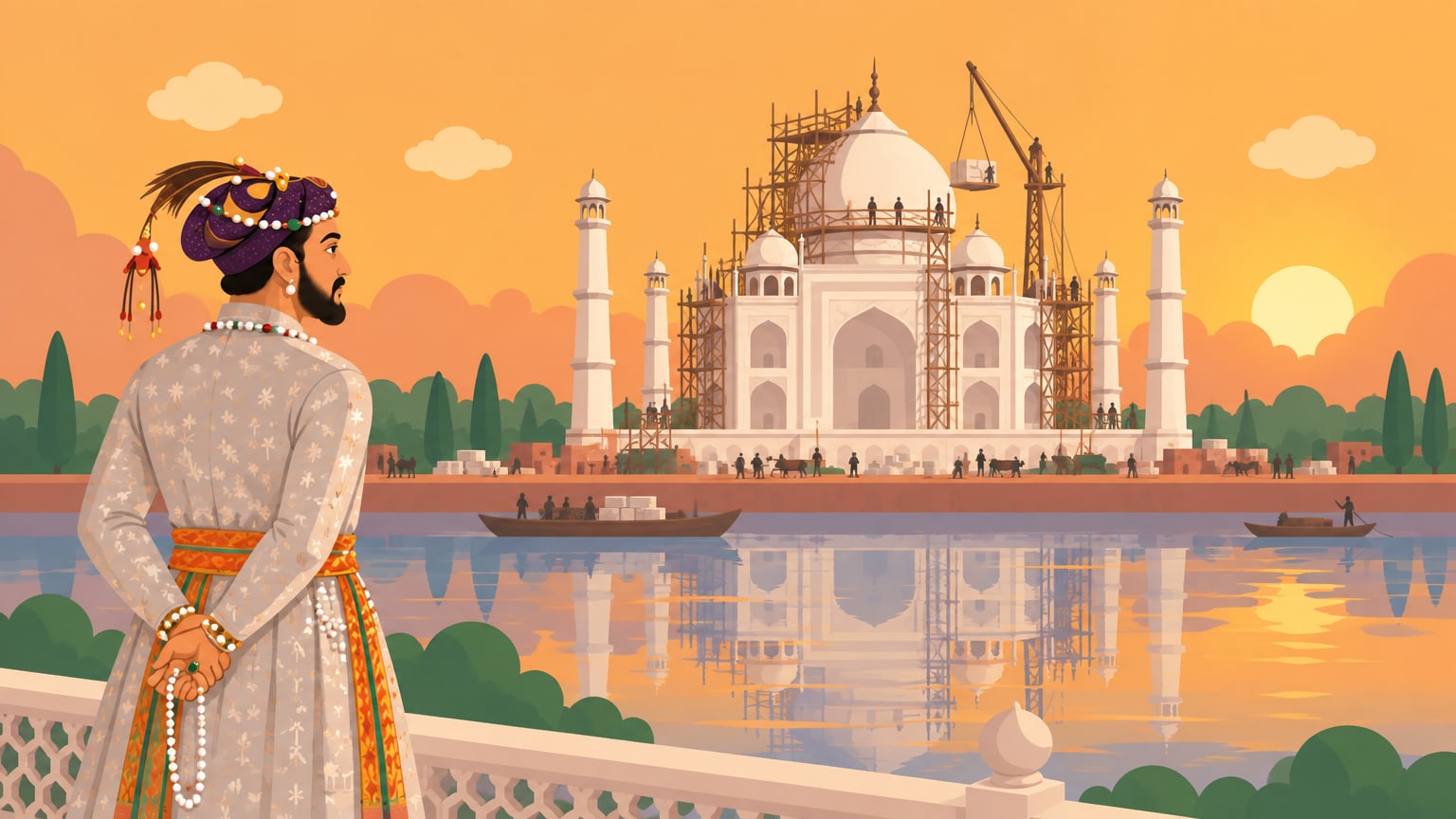
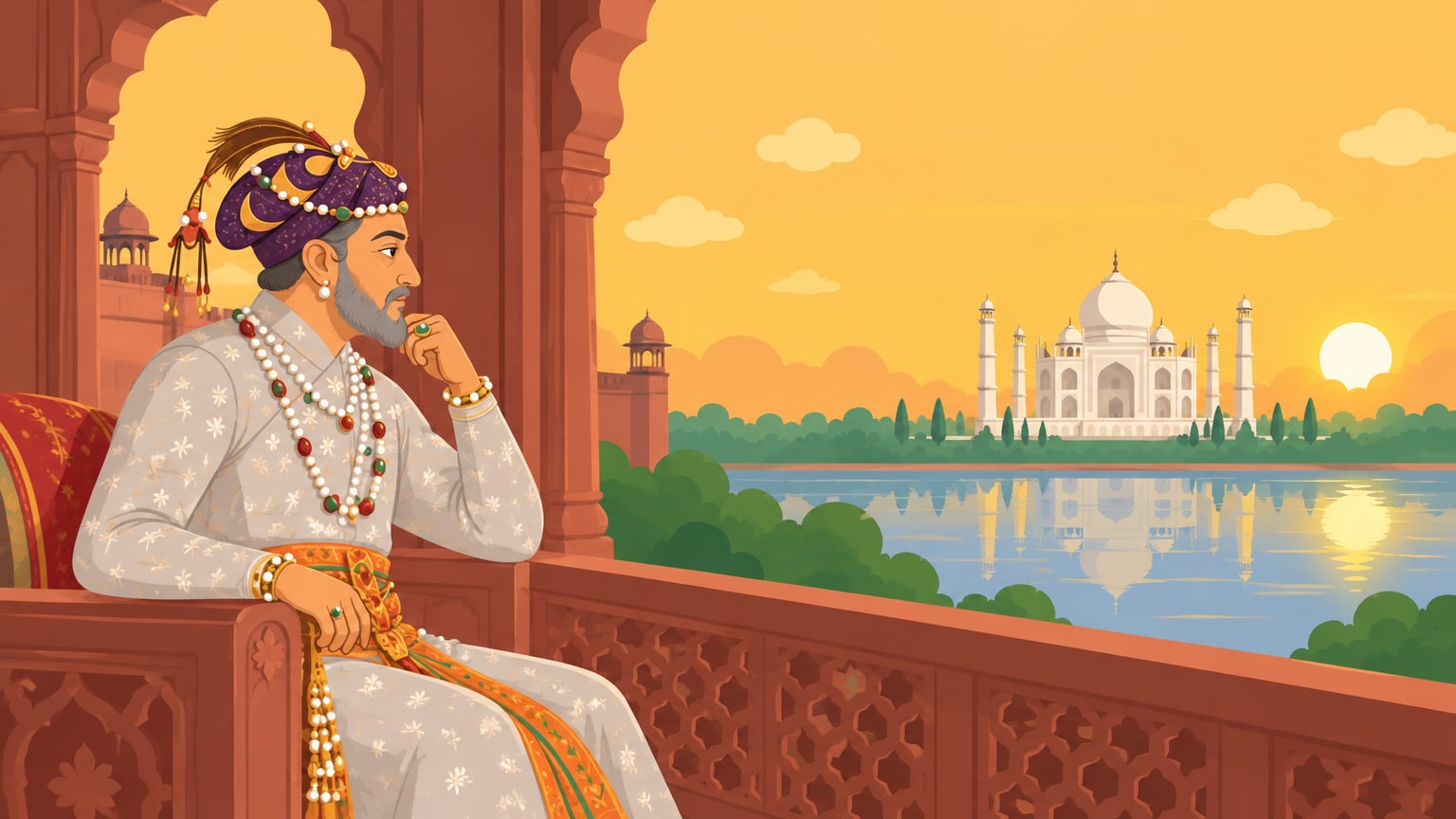
One reference picture. The same face in every shot, from the first scene to the last.
Turning a narration into something people keep watching takes days: a picture for every line, cuts on the pauses, captions timed word by word, the same character looking the same from scene to scene.
TaleSpool does that part with you. Every picture is made for your video, not pulled from a stock library, and nothing you set by hand is ever overwritten.
How it works
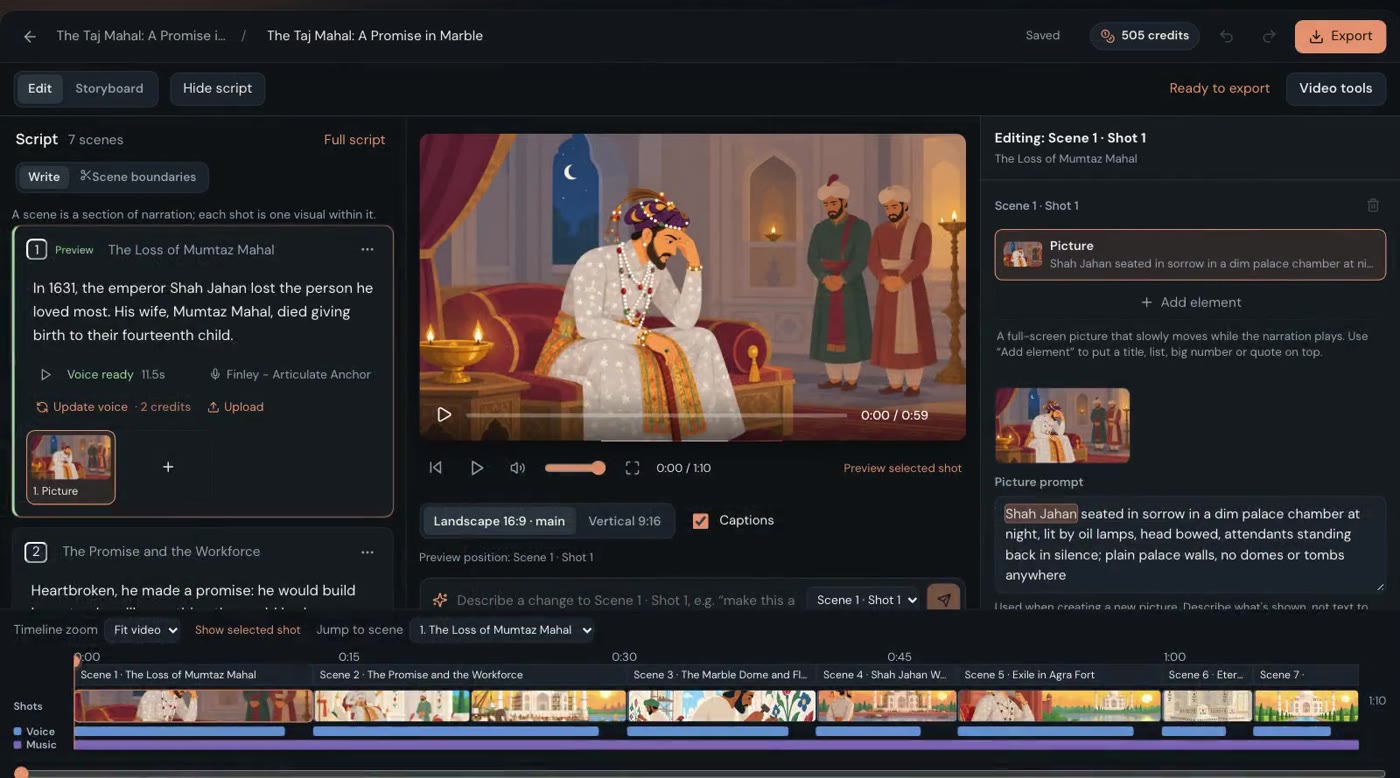
A recording is transcribed and split into scenes at its natural pauses. A script is split into scenes for your narrator to read, with room to breathe between them. Either way, every word is timed.
Each line becomes a picture prompt, and each prompt becomes an original picture made for your video, in the style you chose. Read and rewrite any prompt, make a new version, or upload your own picture instead.
Choose a picture style, mood and palette, and add reference images. Name your recurring characters and places once, and they look the same in every shot they appear in.
Adjust camera moves, timing and transitions with a live preview. Style your captions, add music, and export an MP4 in 16:9 for YouTube or 9:16 for Shorts.
The fine controls
A draft gets you most of the way. These are the tools for the rest, and they’re why a video made here feels made by you.
Scene breaks snap to the silences in your recording. Nudge one by a tenth of a second, jump to the next gap, and listen around the cut before you keep it.
Ask for a change to one shot, a scene or the whole video. You see exactly what it would do, and what you set yourself stays put.
Cut or dissolve into each scene, and set the pause before and after it, so each moment lands.
Words light up as they’re spoken, in preview and export alike. Pick from nine typefaces, a highlight colour, an outline or a box, the size and all caps.
Zoom, pan or rise across any picture. Gentle looks the same on a ten-second shot as on a one-minute one.
Put a title, a list, a big number or a quote over any shot, with the picture still showing behind it.
Episodes in a project share the look, cast, voice, captions and music, and any one can go its own way.
Music carries through the pauses and fades with your ending.
Export the same video as a 16:9 MP4, or a 9:16 one for Shorts, Reels and TikTok, with the pictures re-framed for the tall shape and the captions sized to match.
You direct
Drafts are a starting point, never a takeover. Everything is visible, editable and yours to keep.
No subscription. Buy credits when you need them, and they never expire. Every button shows its price before you click.
FAQ
No. Paste your script and pick one of 25 narrator voices, or start from an idea and shape a draft script first. You can hear every voice before you choose, and any scene can still take a recording of your own.
Yes, and the video follows it. Upload an audio file, or a video whose sound will be used. Scenes are cut at your natural pauses and every word is timed. Paste your script too, so the words come out exactly as you wrote them.
No. Every picture is made for your video, from its own prompt, in the style you chose. You can read and rewrite any prompt, make a new version, or upload your own picture instead.
No. TaleSpool is made for narrated, faceless videos. The scenes, shots, timing, captions and camera moves are drafted for you, and every one of them stays editable.
No. Anything you set by hand is kept. New pictures arrive as options and never replace one you chose, and the director tells you what it would change before anything changes.
You buy a pack of credits and spend them on pictures and narration. There is no subscription and credits never expire. Uploads, drafting the storyboard, captions, music and exports are included, and every button shows its price before you click.
An MP4 in 16:9 for YouTube, or 9:16 for Shorts and other vertical feeds.
Your work is not published to other users. Service providers process it to run the studio, and authorized operators may access it for support or security. Our privacy policy explains the details.
Bring a recording or pick a narrator. Leave with a video that’s ready to upload.
Start your first video